
How Trigger Productions Got Their Whole Team Behind a New CRM
A small outdoor arts charity shares how they went from scattered spreadsheets to a system everyone actually uses - by bringing their team along from day one.
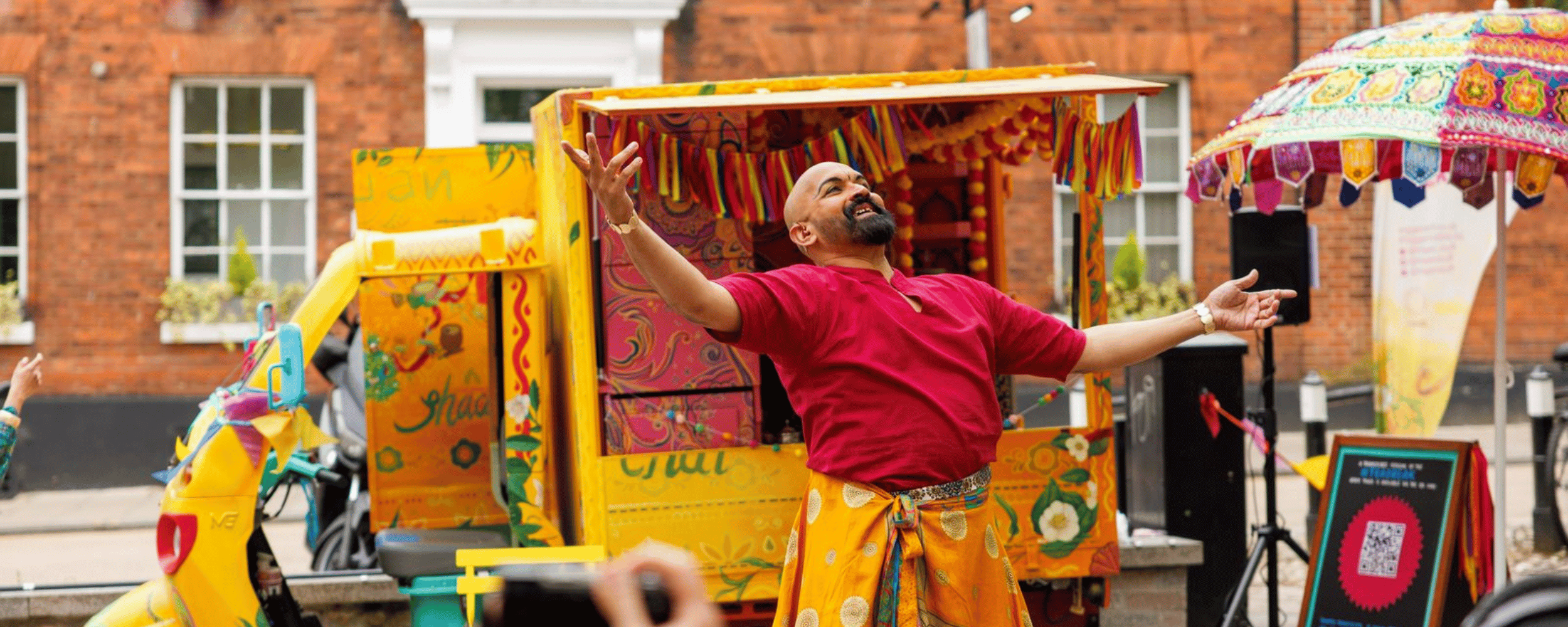
TEABREAK - A Trigger Productions project managed on GoodCRM (Image Credit: Charlie Kirkpatrick - Now Then! Festival)
Client: Trigger Productions
Sector: Touring outdoor arts and live performance
Using GoodCRM since: 2025
Key features: Contacts, Outlook integration, Programmes & Projects, Monitoring & Evaluation
The challenge
Like many small arts organisations, Trigger Productions had data scattered across inboxes, spreadsheets, and inside people's heads. The team regularly works with touring bookers, producers, freelance creatives, and community participants, often picking up conversations months after they last spoke. Without a central place to track those relationships, important context was getting lost between the gaps.
They knew they needed a CRM. But knowing you need one and knowing where to start are two very different things.
Starting with a wish list
Rather than jumping straight into software, Trigger took a step that sounds simple but made all the difference: they asked their team what they actually needed.

"We did a survey of what people might use it for and created a wish list. That's kind of how we came across GoodCRM" — Natalie Skidmore, Trigger Productions
That wish list became the foundation for everything that followed. It meant the team weren't being handed a system that had been chosen over their heads - they'd actively shaped what it needed to do. It also gave the team clear criteria for evaluating CRM options, rather than being overwhelmed by feature lists.
Many organisations know they need a CRM, but don’t know where to begin. The wish list approach gave Trigger a way to break down something large and intangible into simple, concrete steps.
Bringing people on the journey
With the system chosen and set up, the leadership team didn't just send a login link and hope for the best. Following their kick off call with the GoodCRM team, Trigger ran group onboarding sessions internally to walk the team through how things had been configured, and then followed up with one-to-one sessions tailored to each person's role.

"We asked them about how they would use it within their different roles, so we were able to build the system and embed it with them in a way that suits what they're going to be using it for."
That combination of group and individual training turned out to be a key factor in adoption. Rather than everyone receiving the same generic walkthrough, each team member could see how the CRM fitted their specific workflow - whether that was logging touring conversations, tracking creative teams on a project, or managing community engagement.
What they use most

GoodCRM integrates with common tools used by charities, nonprofits and membership organisations
A year in, the feature that's become most embedded in Trigger's daily work is the Outlook integration. Their team regularly has conversations with touring bookers that might pause for weeks or months at a time. Being able to log those emails directly against a contact means that when they pick the conversation back up, all the context is right there.
Beyond email logging, the team has built out their programme and project structure, organising their core touring shows across multiple years, with individual events nested underneath. They're now exploring how to bring participant tracking, feedback forms, and monitoring data into the system to support funder reporting and provide insights that have previously been impossible to track through spreadsheets.
What they'd tell other organisations
The results speak for themselves: strong uptake across the team, a centralised contact database that's actively used, and a clear plan for expanding into programme monitoring and evaluation.
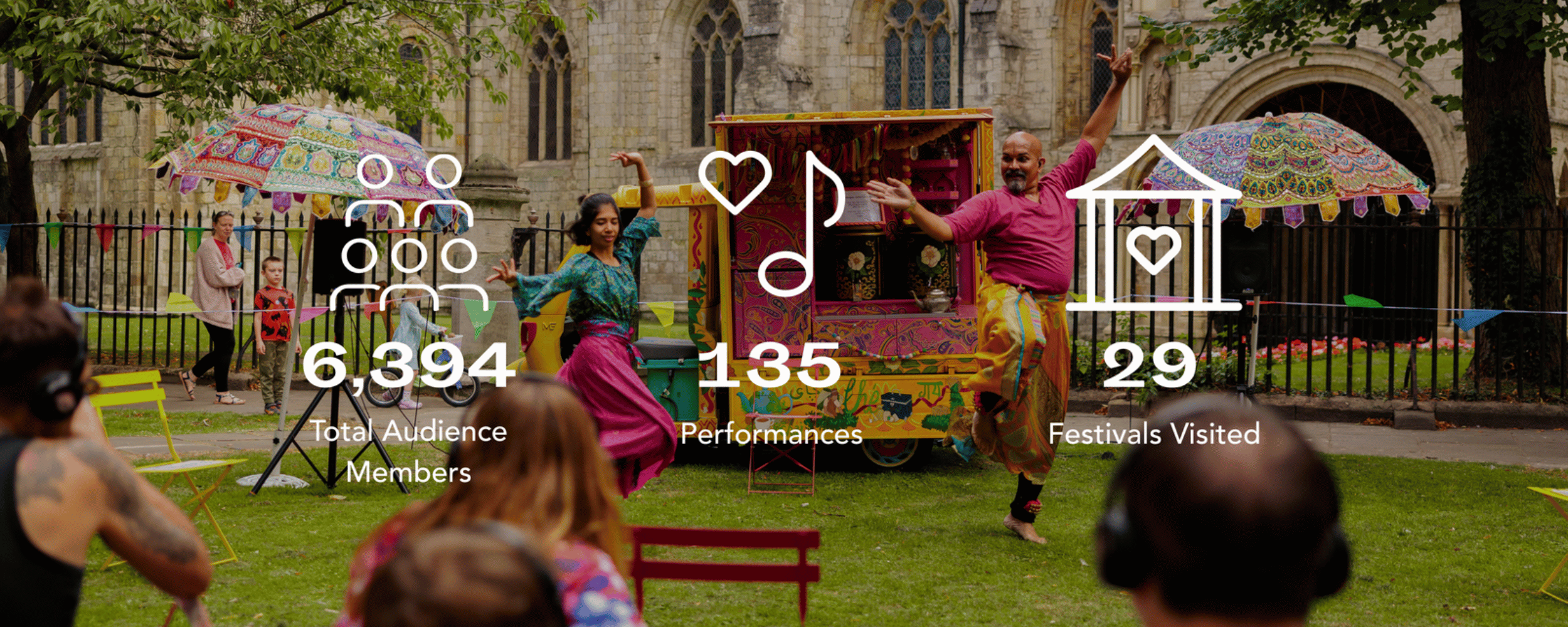
“Everyone has been really good with uptake… everyone’s really happy. They find it really intuitive and easy to use.”
For Trigger, the secret wasn't finding the perfect CRM, it was the groundwork they did before they even chose one. Surveying the team, creating a shared wish list, involving people in how the system was structured, and then investing time in personalised onboarding made the difference between a tool that gathers dust and one that the whole organisation relies on.
Key takeaways for small arts organisations
Start with your team, not the technology. Survey your colleagues on what they'd actually use a CRM for, or what limitations they have found with your current system. Their answers will guide your choice and build buy-in from day one.
Create a wish list. It turns an overwhelming decision into a concrete brief you can evaluate against. Be realistic about what’s ‘essential’ versus ‘desirable’.
Invest in personalised onboarding. Group sessions set the scene, but one-to-one walkthroughs tailored to each person's role are what drive real adoption.
Curate the learning resources. Pick out the specific guides that are relevant to each person's workflow - and ask your CRM provider for deep dives or one-to-one support where needed.
Accept it's a journey. Not everything will be in the system from day one, and your processes will evolve too. Historical knowledge takes time to capture, and that's okay - a good CRM is one that’s used and develops naturally
