
GoodCRM just got a major glow up :)
Welcome to your new, faster, cleaner and more configurable CRM!
From headline features like Visual Reporting and Case Management to hundreds of tiny improvements and time-savers - we’ve got a lot of good news to share!
Spring 2026 Refresh.
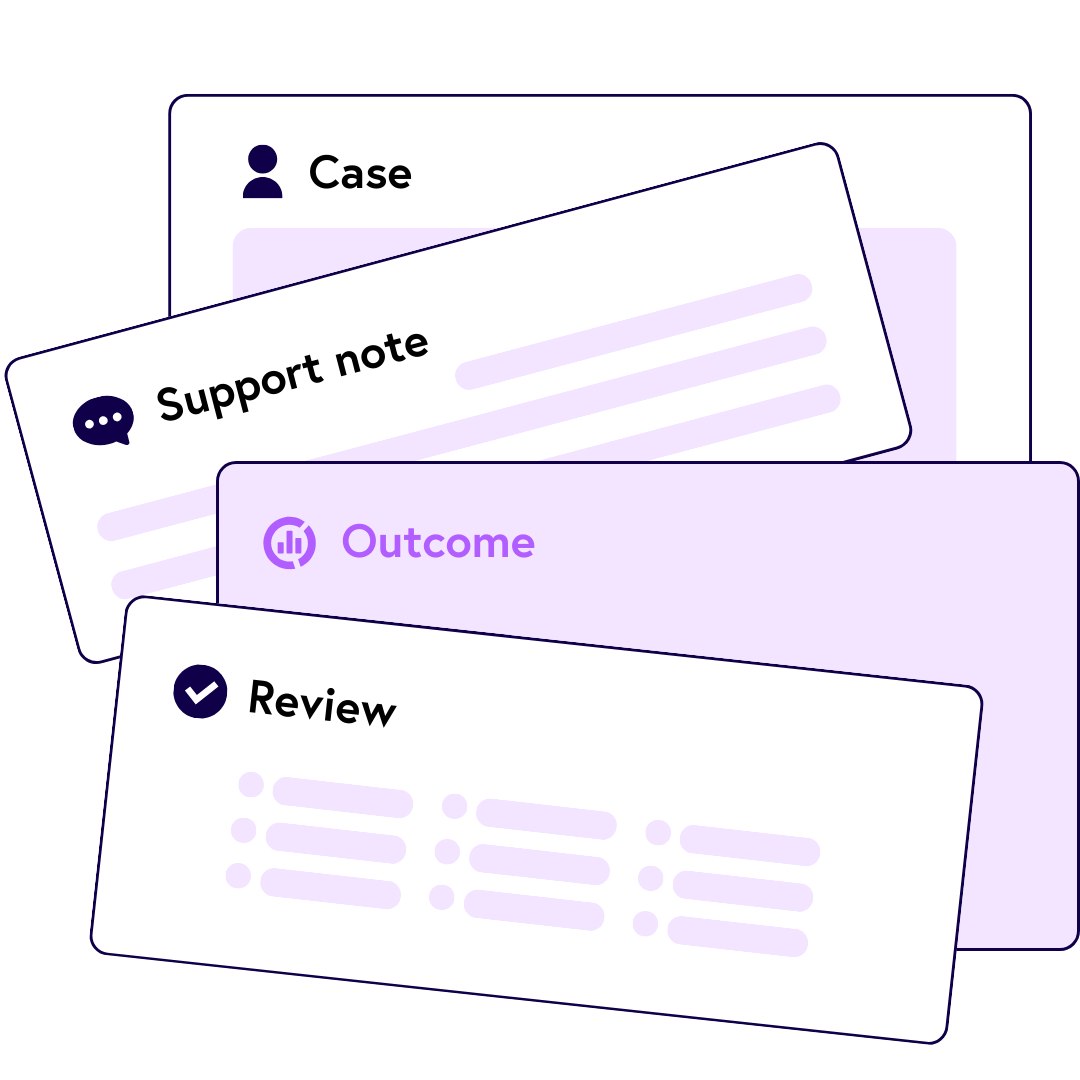
✨ New - For organisations delivering one-to-one or long-term support, keeping track of every person's journey has never been more straightforward. Case Management brings every interaction, update and outcome into one structured place, with every contact, file or connection at your fingertips — so your team works consistently, nothing gets missed, and impact reporting is always ready. Find out more.
Case Management
Visual reporting
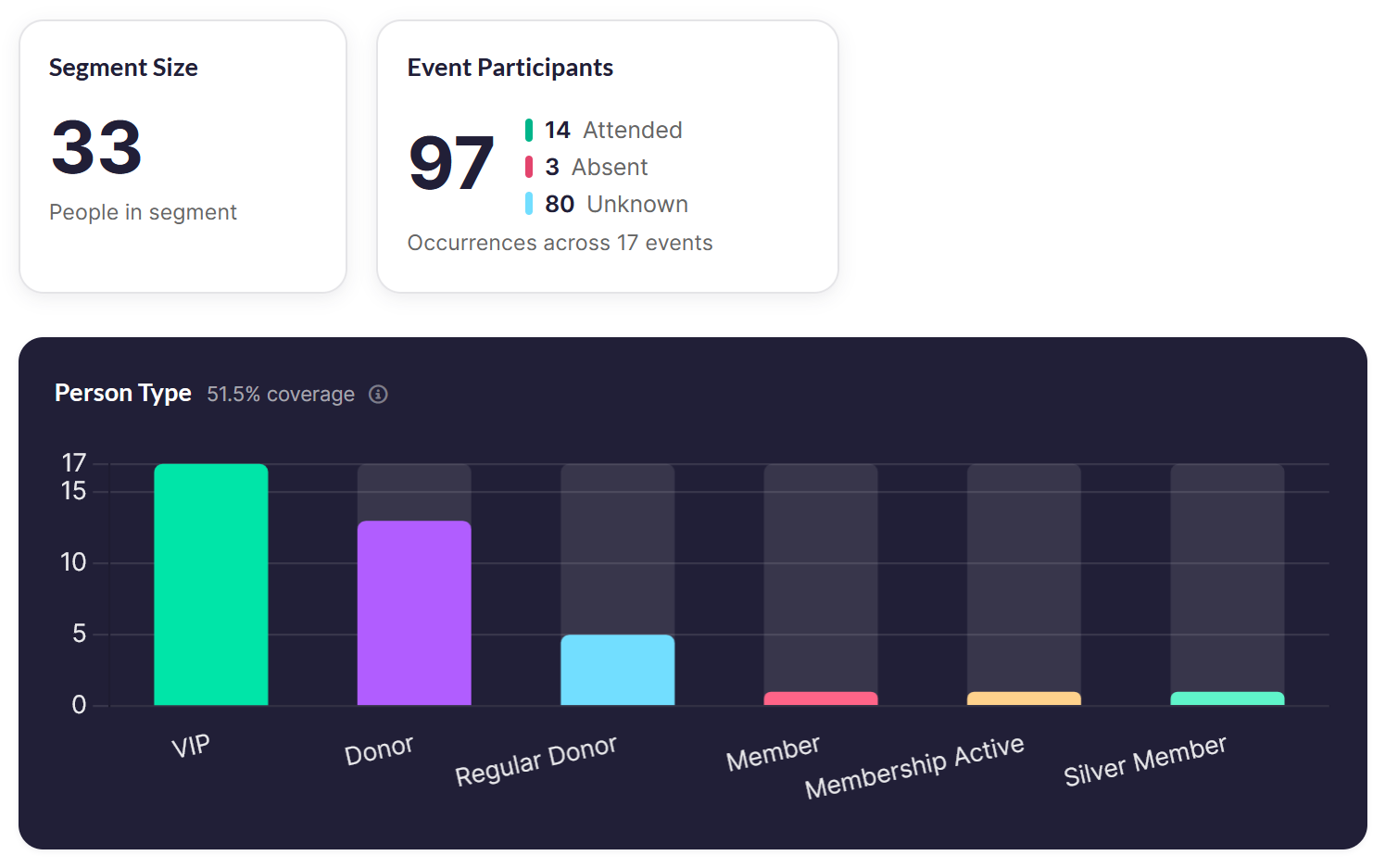
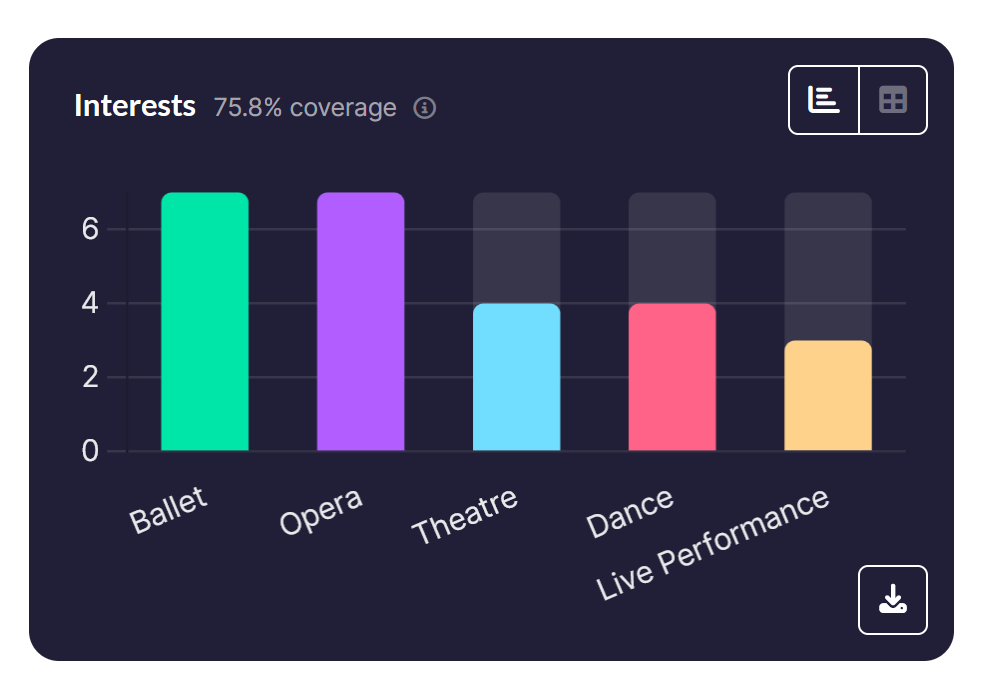
Understanding your data shouldn't require a spreadsheet. Segments and record forms now surface statistics as charts and visual insights — making it simpler to spot trends, share progress, and demonstrate the difference your work is making.
You can even download the charts to use them in reports, documents or however you wish!
Smarter List Filtering & Saved Views
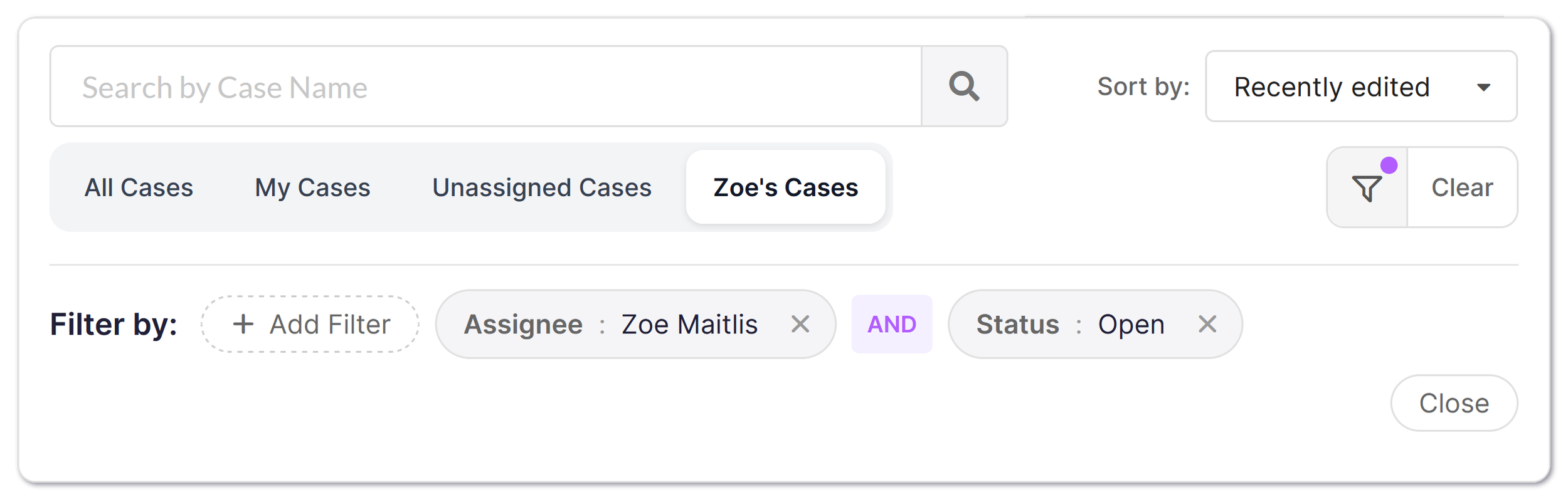
Filtering your lists just got a serious upgrade. You've always been able to filter by tags and connection fields, but now you can also filter by date fields and search for gaps in your data — like ‘all people with no Person Type tag’. The UI is cleaner and more compact too, making it quicker to build the filters you need. Best of all, you can now save any filter combination as a named view and switch between them instantly — no more rebuilding the same filters from scratch every time
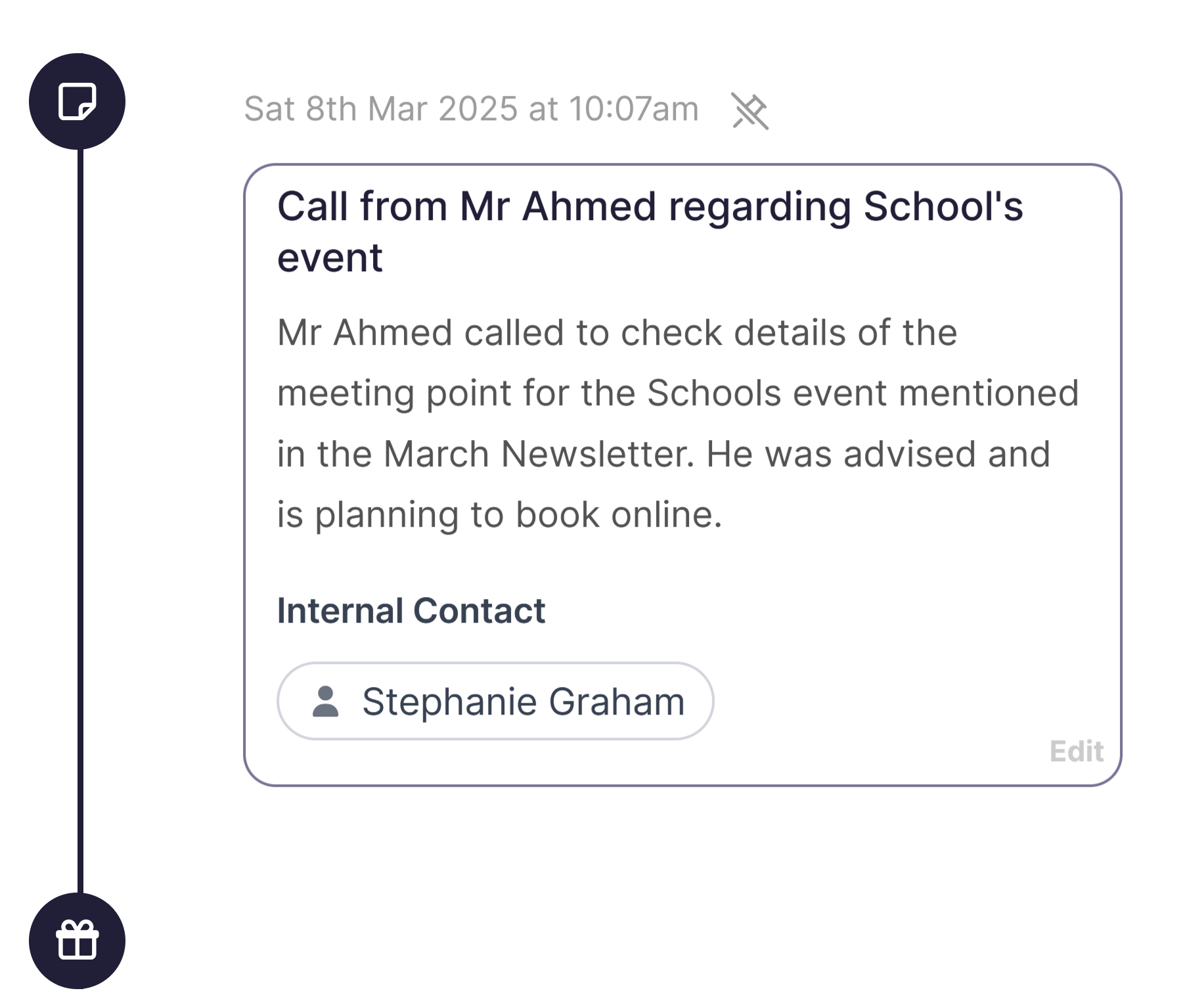
Pinned Moments & Faster Timelines
Every person and organisation profile has a timeline, and we've made some big improvements. Timelines are now faster to load and easier to search — so finding a specific interaction is no longer a needle-in-a-haystack job. And the headline feature: you can now pin important moments to the top of the timeline, keeping the context that matters most right where your team needs it.
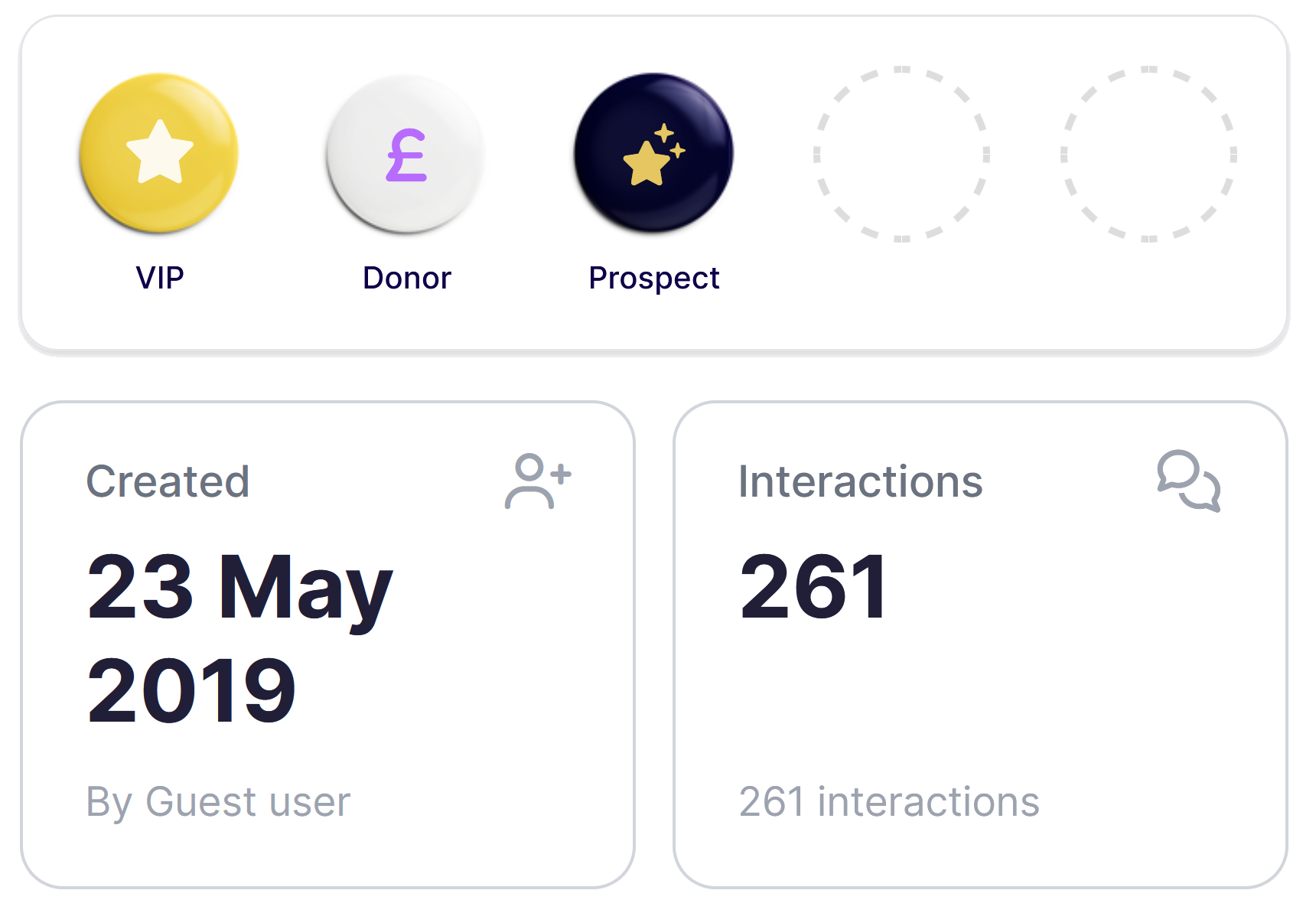
Profile pages now open with a fresh Insights panel — a snapshot of the things that matter most about a person or organisation. Created date, last contact, total donations, membership status, open cases and interaction count, all surfaced in one place without having to dig through the profile. It's a small change that makes a big difference when you're mid-conversation and need context fast.
At-a-Glance Insights
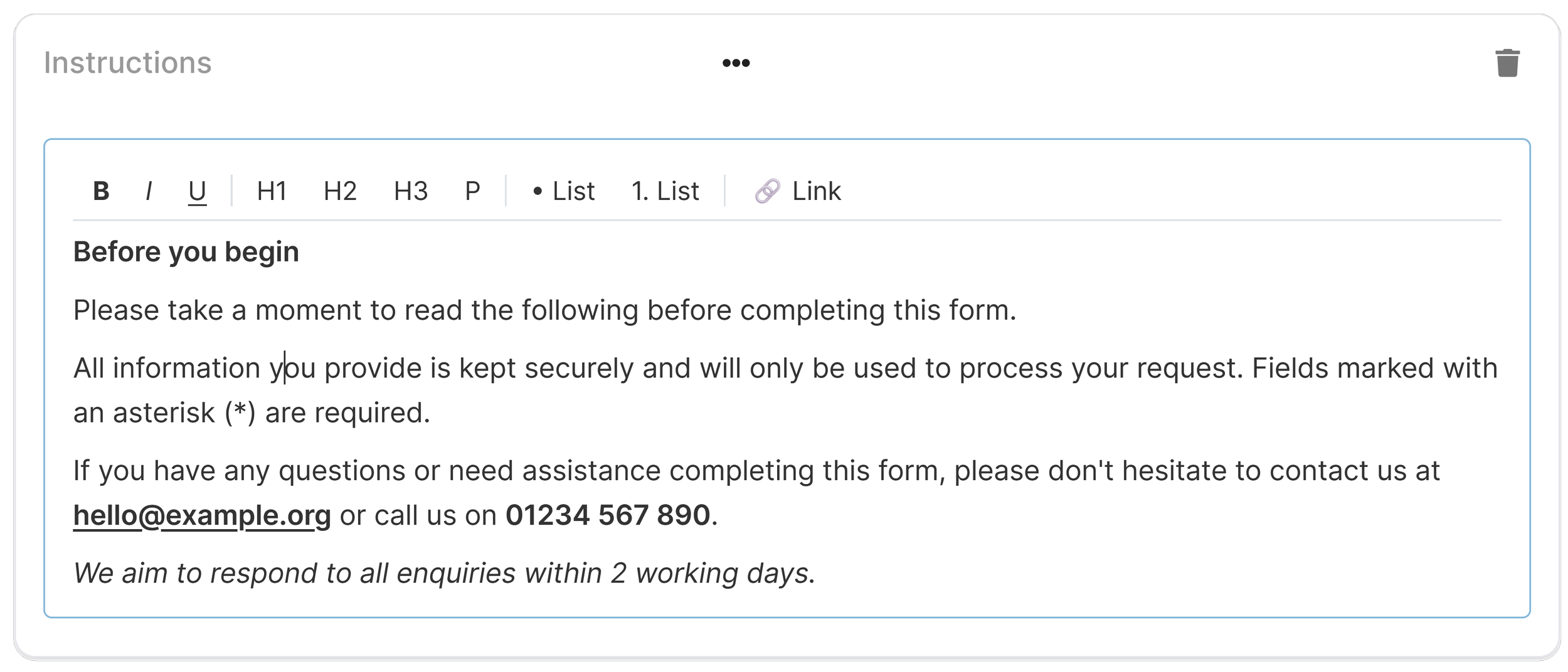
Yes! Finally! You can now use rich text formatting — headings, bold, bullet points, links and more — in mailouts, form instruction blocks, and checkbox labels. That last one is a particular favourite: link directly to your terms and conditions right from the checkbox label, exactly as it should be. Properly formatted content, everywhere you need it.
Rich Text Formatting
✨
Refreshed Look & Feel — A cleaner, more polished UI throughout. Nothing dramatic, just nicer.
Configurable Dashboards — Now you can curate your own dashboard to prioritise the data that is most important to you! New widgets are ready now, with more in the works!
Faster Loading Profiles — Person and organisation profiles load noticeably faster. You might not notice it until you go back to how it was.
Field Chooser for Lists — You can now choose which columns are visible in any list view, so you see the fields that matter to you rather than everything at once.
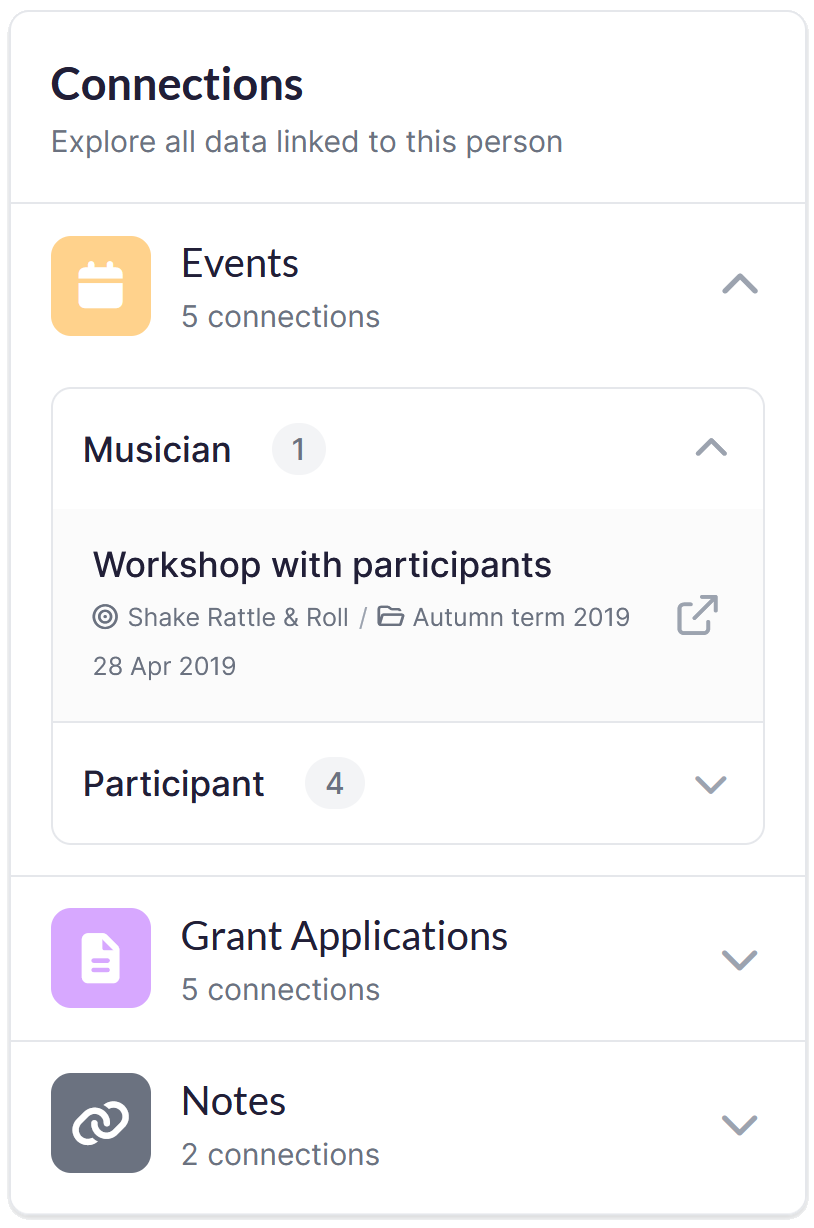
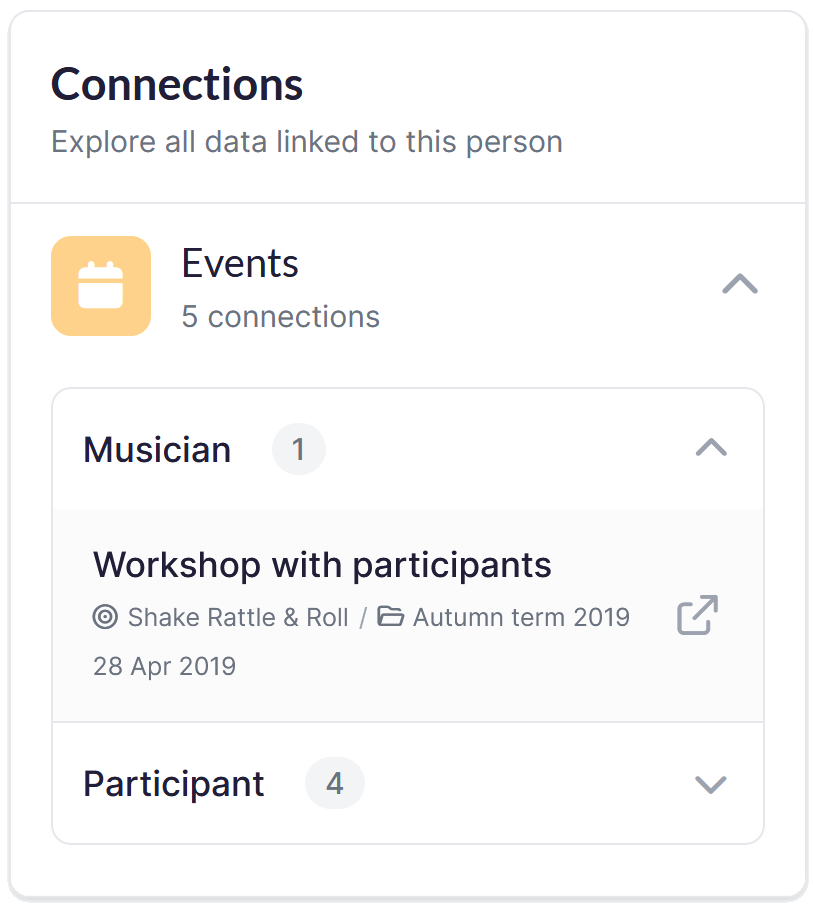
Improved Connections Panel — The panel showing related records and links on a profile has been redesigned. Cleaner layout, more clearly presented data, and easier to navigate at a glance.
Folders in Navigation — Record forms and segments are now organised into folders in the navigation, making it much easier to find what you're looking for — no more scrolling through unwieldy lists.
And loads more…
Not already using GoodCRM?
See how teams like yours are saving time, staying organised and proving their impact — all in one place.